Act
Fast.
Your report can save a life. Send what you see, right from your pocket dispatchers see it the second it arrives.
From your screen to theirs.
Five steps, under a minute. Every report carries a location pin, a photo, and a timestamp the exact data a dispatcher needs to act.
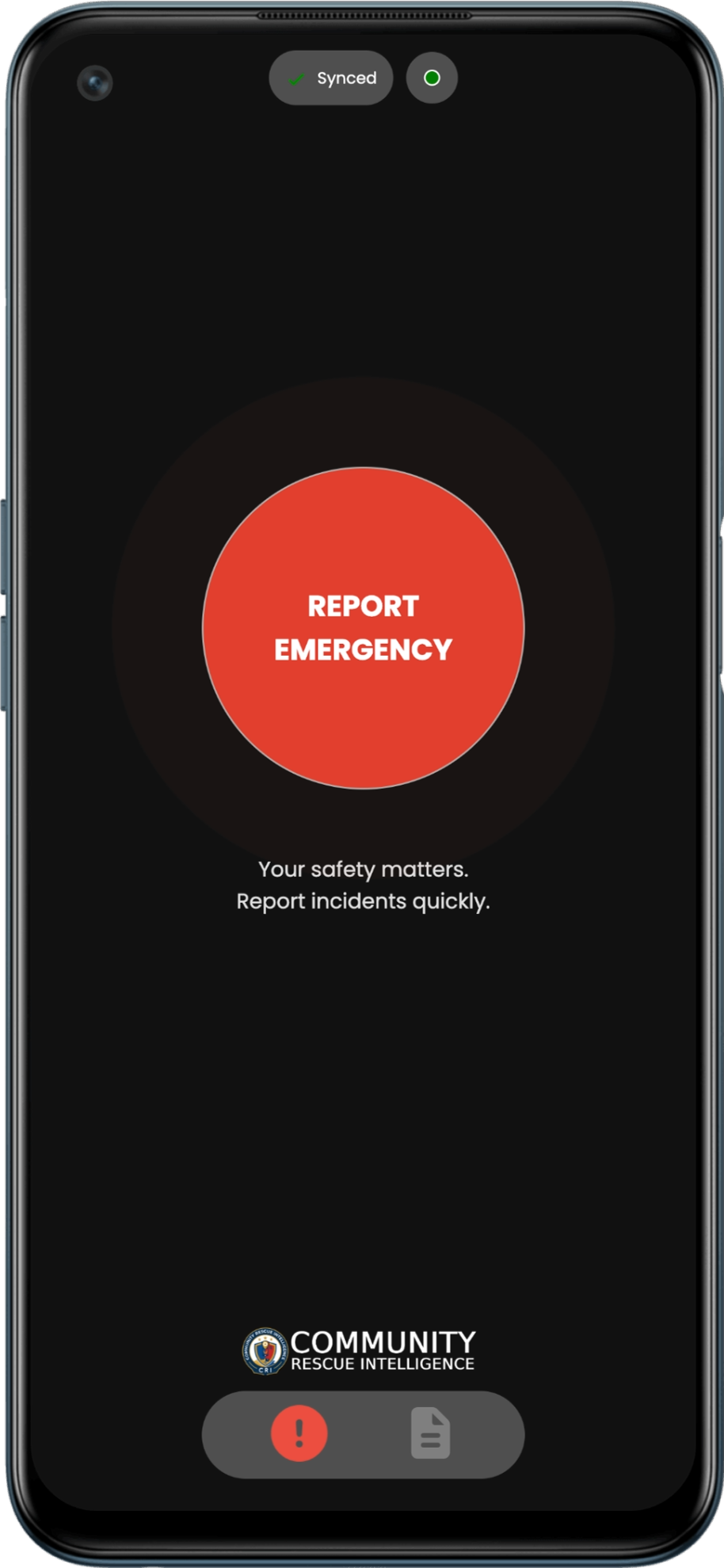
Report emergency
Tap the primary signal button to trigger your emergency report instantly.
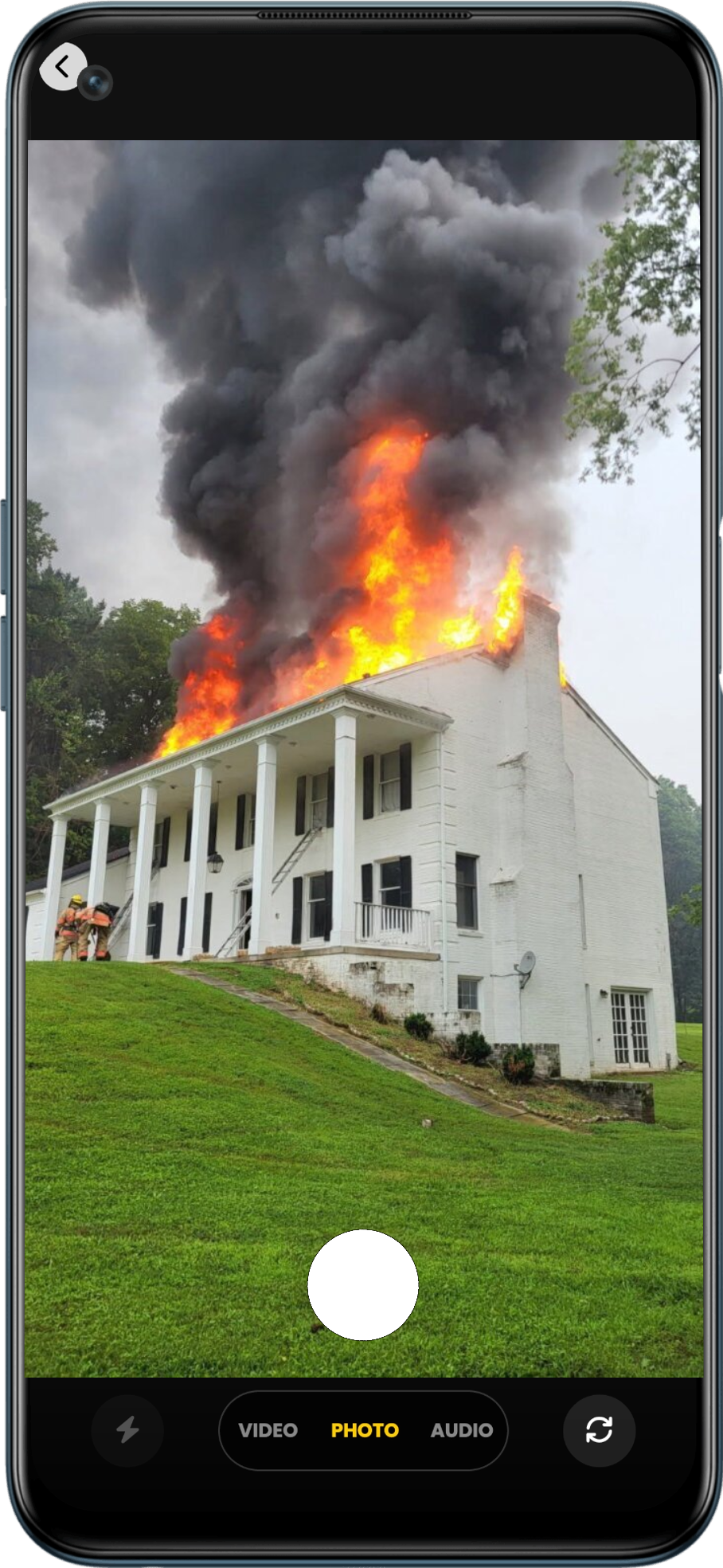
Capture photo
Snap real-time visual proof of the incident directly from your camera.
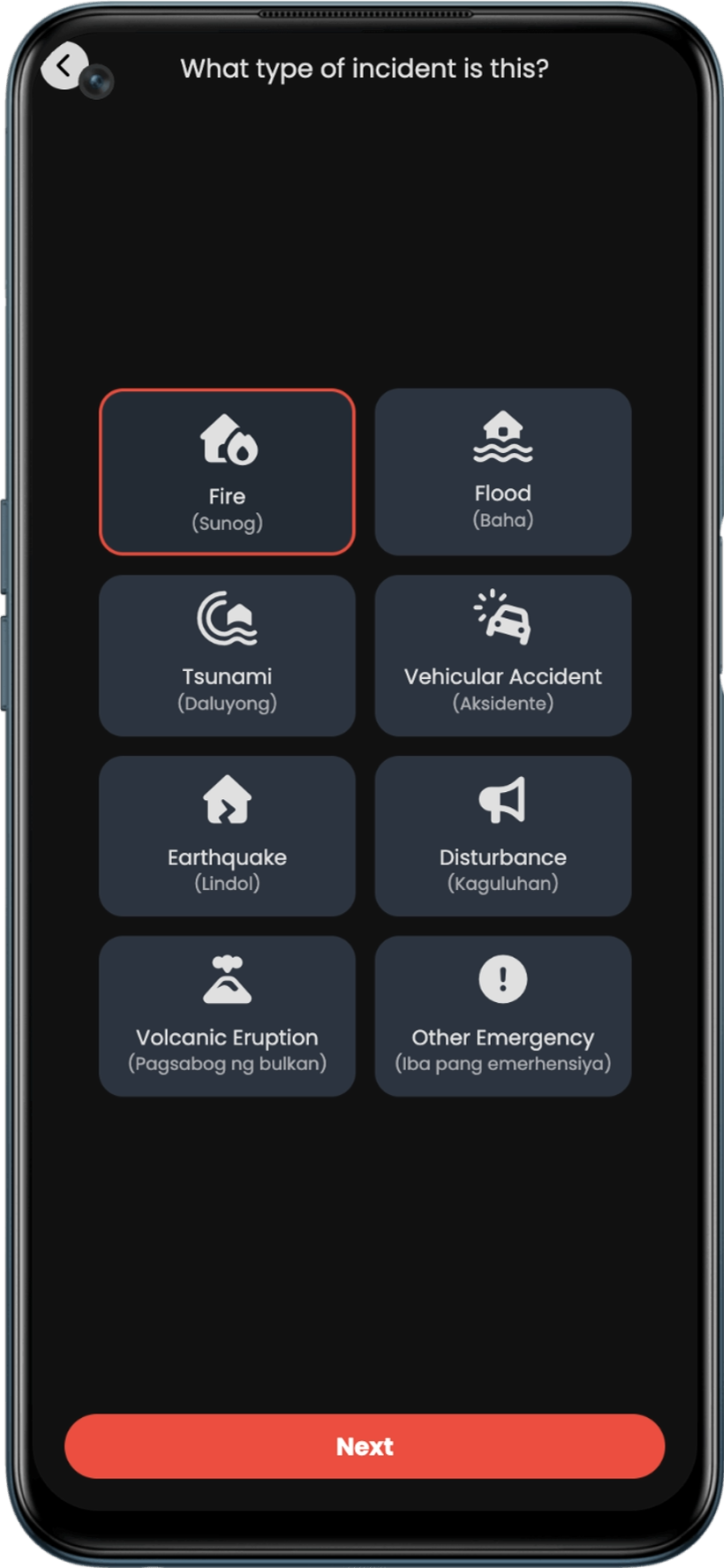
Select incident type
Categorize the incident like Fire, Flood, Medical, or Road Crash.
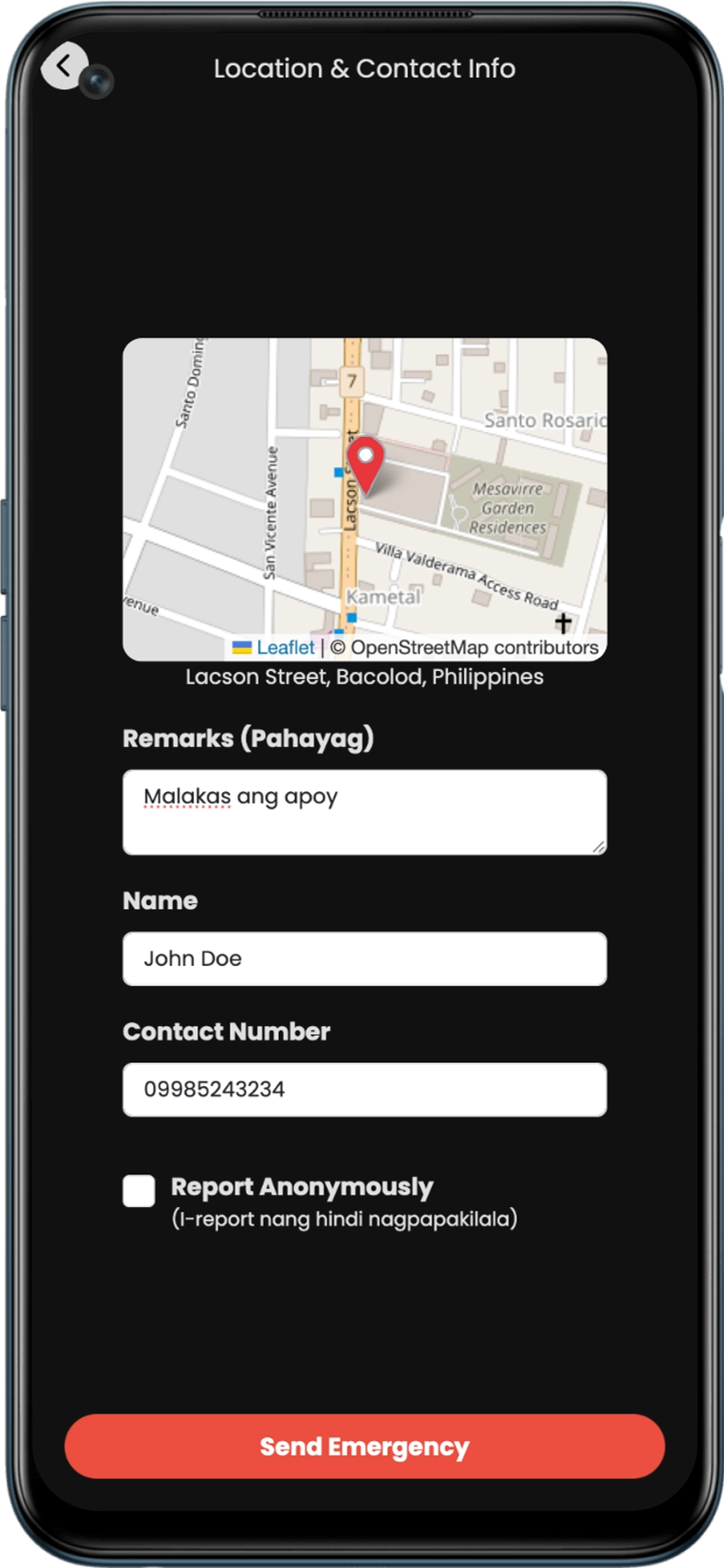
Pin & contact info
Verify exact GPS coordinates and provide contact details or report anonymously.
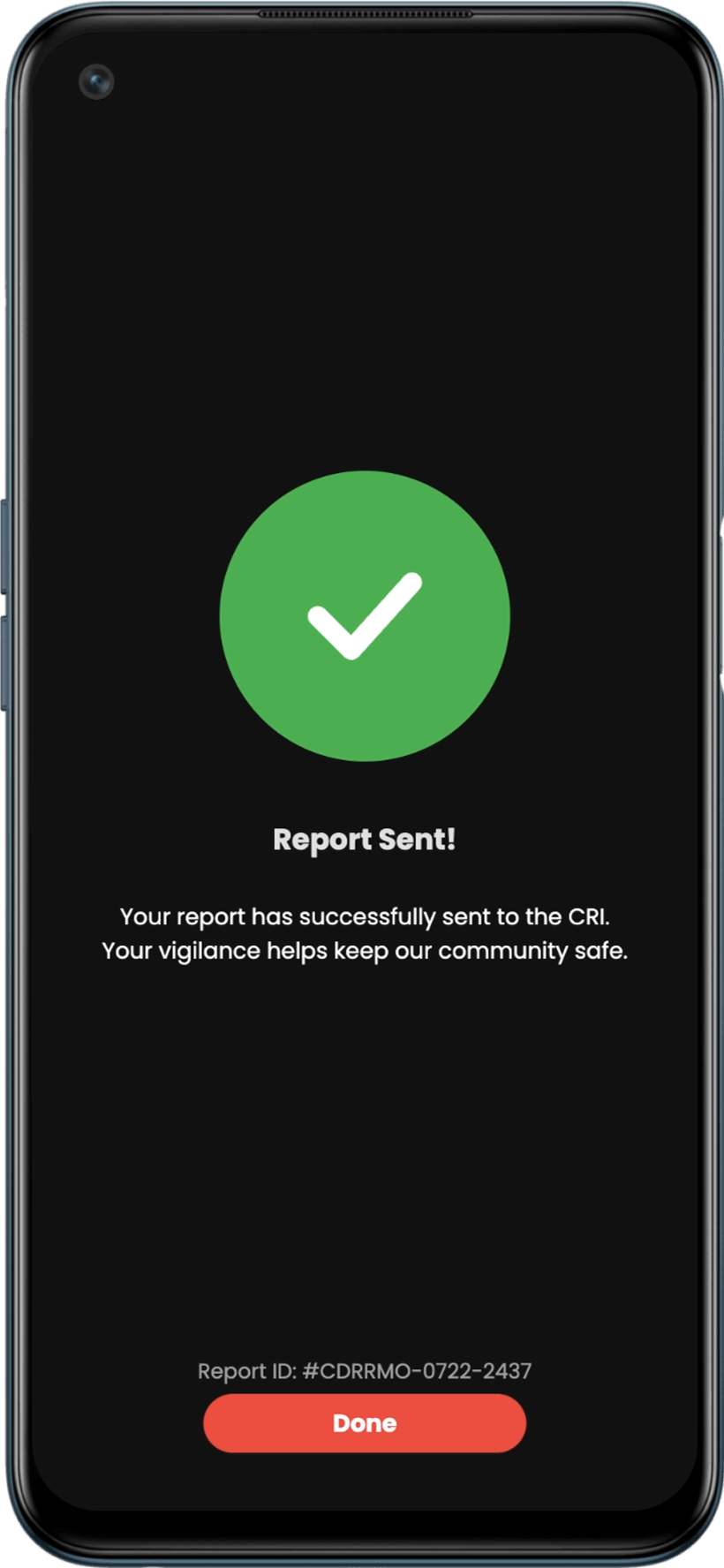
Report confirmed
Receive your official Report ID to track real-time response from dispatch.
Built to work anytime, anywhere.
Designed for high stakes emergency situations where signal is weak or unavailable. No downloads required works straight from any browser.
PWA & Cross-Device Ready
Works seamlessly on iOS, Android, tablets, and desktop browsers. Install it instantly as a Progressive Web App without app store delays.
Offline-First Queueing
No internet connection? No problem. Submit your report offline; as soon as your phone catches even a tiny signal, the system auto-sends it behind the scenes.
Device ID Private Tracking
Your submitted emergency reports are bound to your unique device ID. Easily track your own report statuses privately without cluttering other users' feeds.
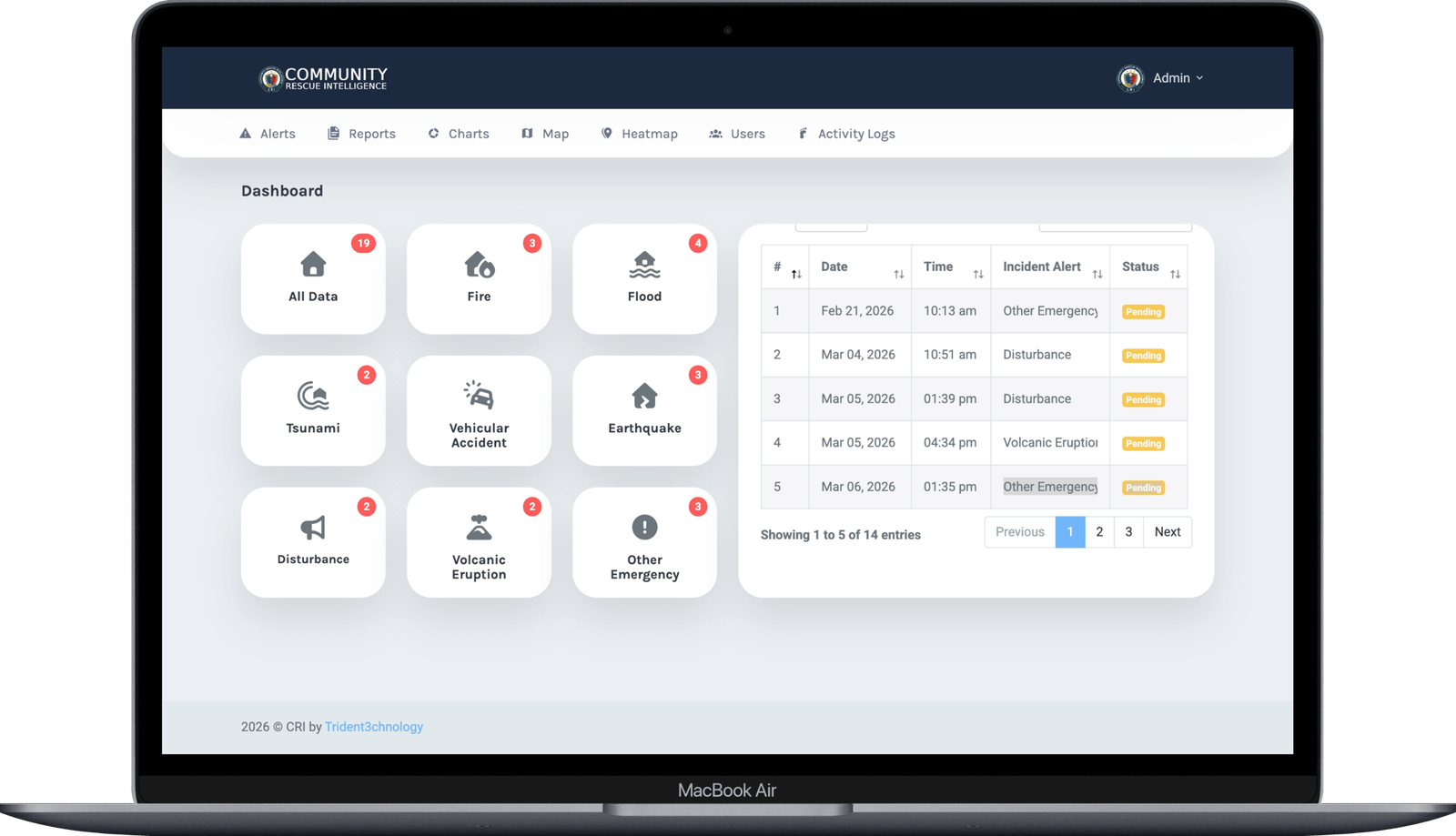
Every report, live on the board.
Incoming reports appear instantly, sorted by severity and location giving dispatchers exactly what they need to move fast.
Be part of the
response network.
Try the Community Rescue Intelligence Demo today and experience our emergency response network.